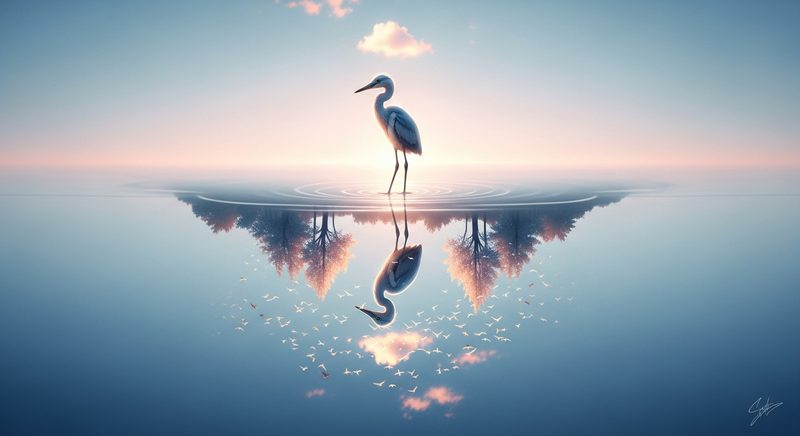
Upload a product photo, logo, or artwork. Get back a fluid, realistic video clip with natural motion. One API call, powered by Seedance 2.0.
Start Animating →Image-to-video (also called image animation) takes a still image as the first frame and generates a video that extends naturally from it. The AI model analyzes the composition, subjects, lighting, and depth of your image, then synthesizes realistic motion that is consistent with the original frame.
With US Video API, you pass your image in the image field as a base64-encoded string. You also provide a prompt that describes the desired motion: "camera slowly zooms in," "the subject turns to face the camera," or "leaves blow gently in the wind."
Seedance 2.0 is particularly strong at image-to-video. It preserves fine details from the source image — textures, brand colors, text on packaging — while adding natural, physically plausible motion. This makes it ideal for commercial applications where visual accuracy matters.
For reliable production requests, resize source images before encoding. We recommend JPEG files at or below 1 MB and roughly 1080px on the long edge. Larger base64 payloads can fail with 413 Payload Too Large.
image ParameterThe key parameter for image-to-video generation is image. This tells the model to use your uploaded image as the starting frame of the video rather than generating from scratch.
import requests, base64

with open("product.jpg", "rb") as f:
    img_b64 = base64.b64encode(f.read()).decode()

job = requests.post(
    "https://usvideoapi.com/v1/videos",
    headers={"Authorization": f"Bearer {API_KEY}"},
    json={
        "prompt": "Camera orbits around the product, dramatic lighting",
        "image": img_b64,
        "resolution": "1080p",
        "duration": 5,
    }
).json()
Transform flat product photography into dynamic video ads. Show products rotating, being used, or placed in lifestyle contexts — without a video shoot.
Bring illustrations, digital art, and paintings to life. Add subtle motion — flowing water, drifting clouds, flickering flames — to static artwork.
Animate your brand logo for video intros, social media, and presentations. The model preserves exact colors and proportions from your source file.
Turn property photos into walkthrough-style videos. Animate interior shots with subtle camera movement to create immersive listing content.
Generate dozens of video ad variants from a single hero image. Test different motion styles, camera angles, and compositions before scaling spend.
Convert static social posts into eye-catching video. Animated content consistently outperforms static images in engagement metrics across platforms.
The quality of your source image directly impacts the quality of the generated video. Follow these guidelines for optimal results:
Image-to-video uses the same pricing as text-to-video — billed per second of output:
The first_frame image upload is free — you only pay for the video output. No additional charges for image processing or hosting.
Real videos generated with the same AI model powering our API. 27M+ views and counting.
All videos generated with Seedance 2.0 — the same model behind our API
Subscribe to our channel →Upload any image. Describe the motion. Get cinematic video in seconds.
Get Your API Key →